
KROA Roanoke–Blacksburg Regional Airport – MSFS 2024
Buy your favorite airport today and enjoy 10% off your next purchase!Buy your favorite airport today and enjoy 10% off your next purchase!
Original price was: € 19.99.€ 14.99Current price is: € 14.99.
25% Off
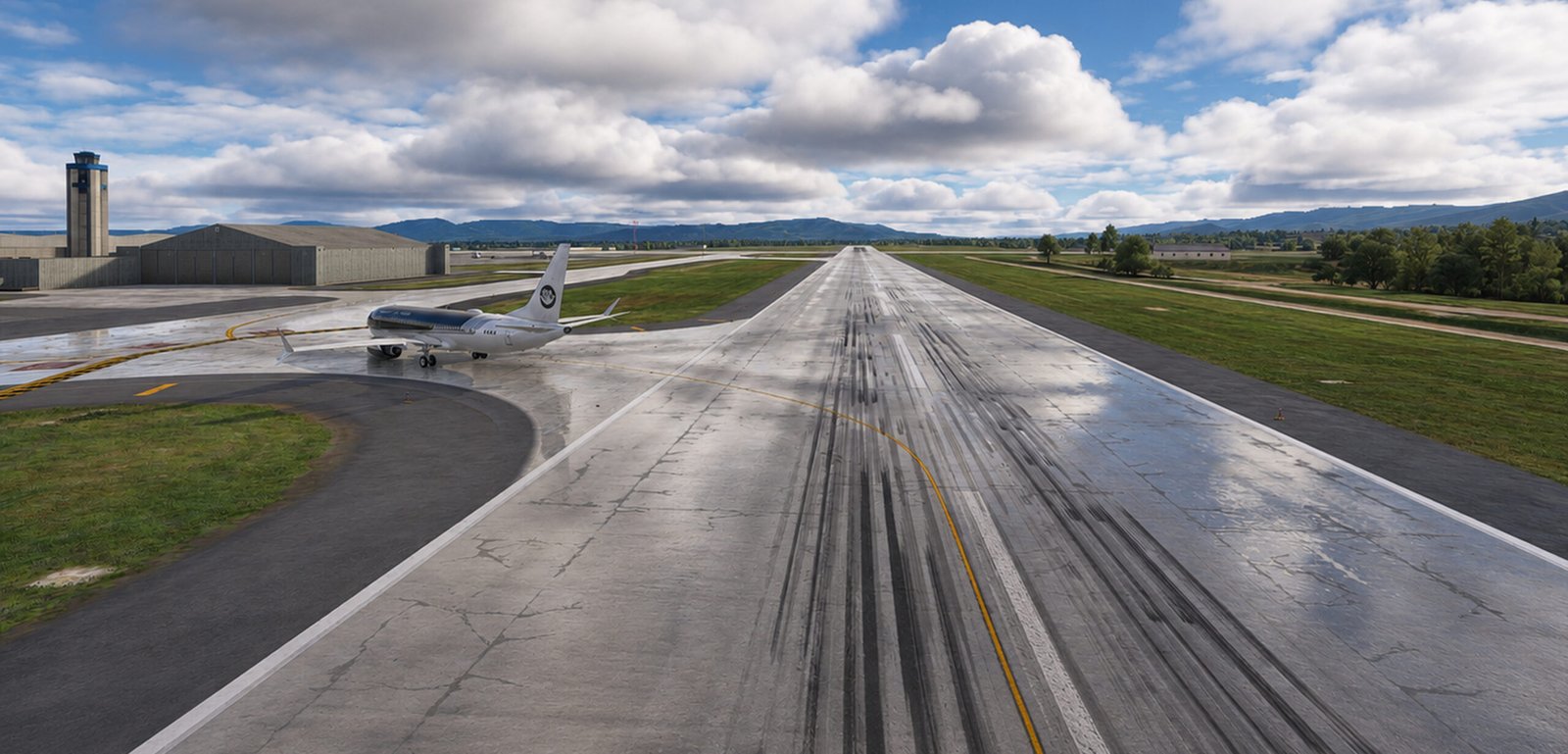
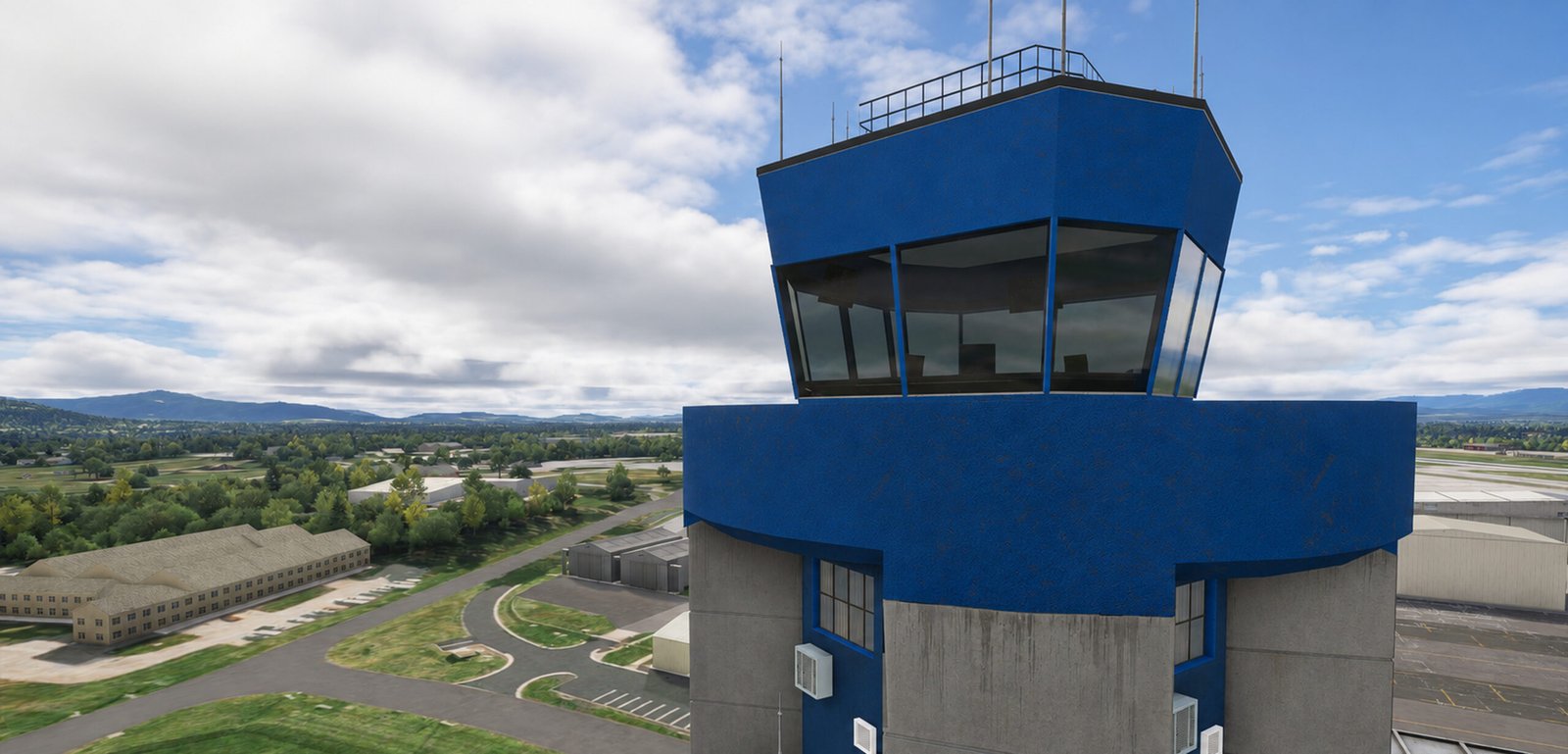
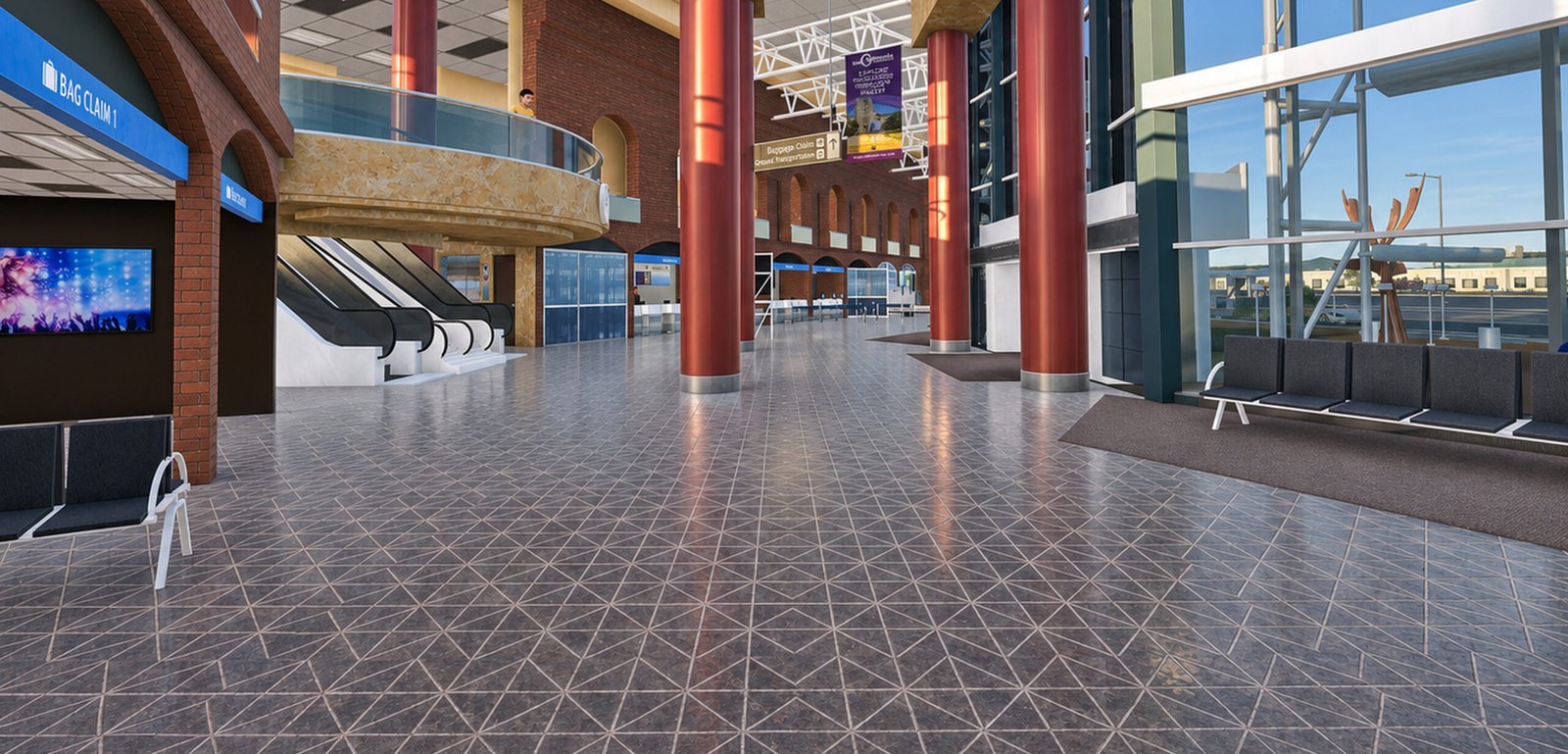
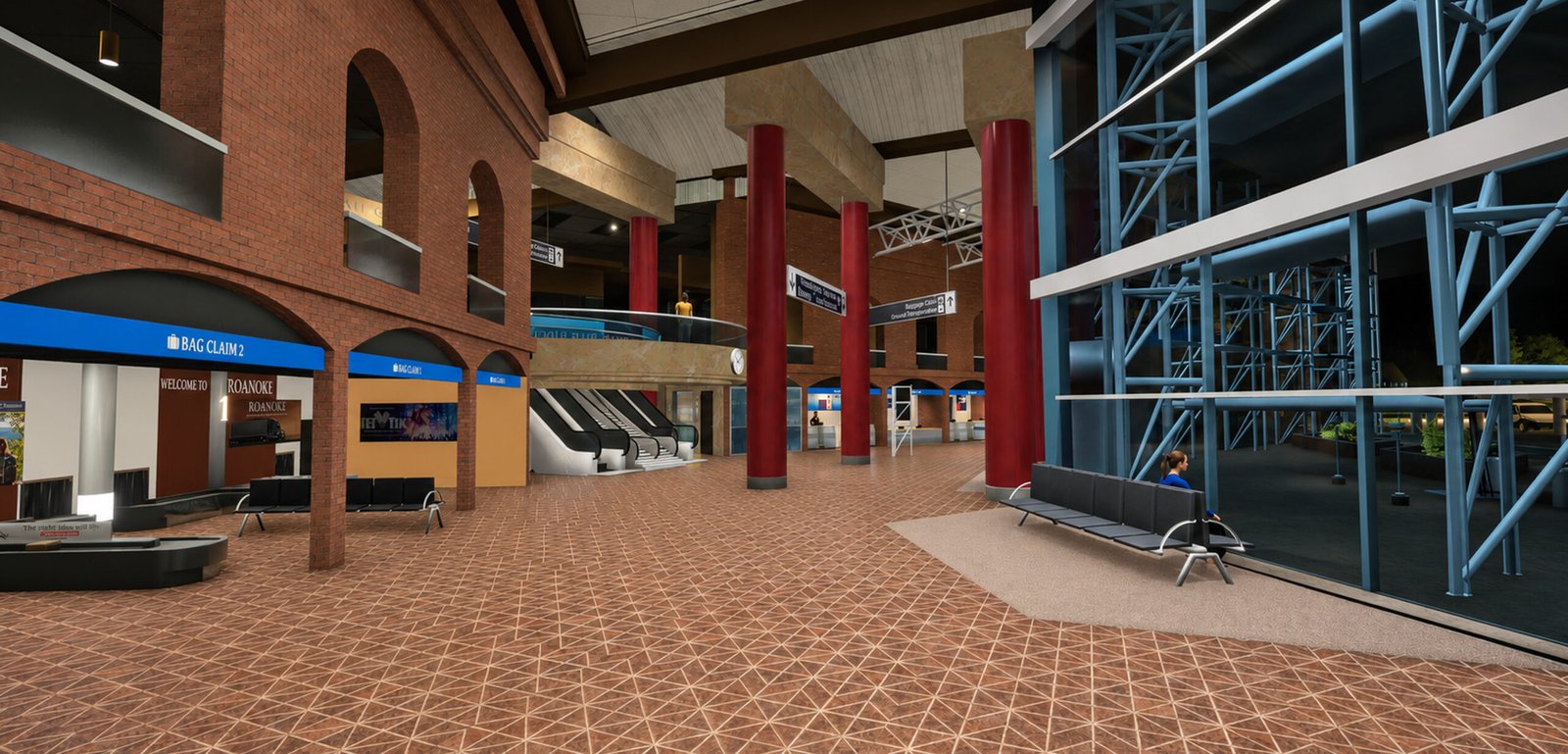
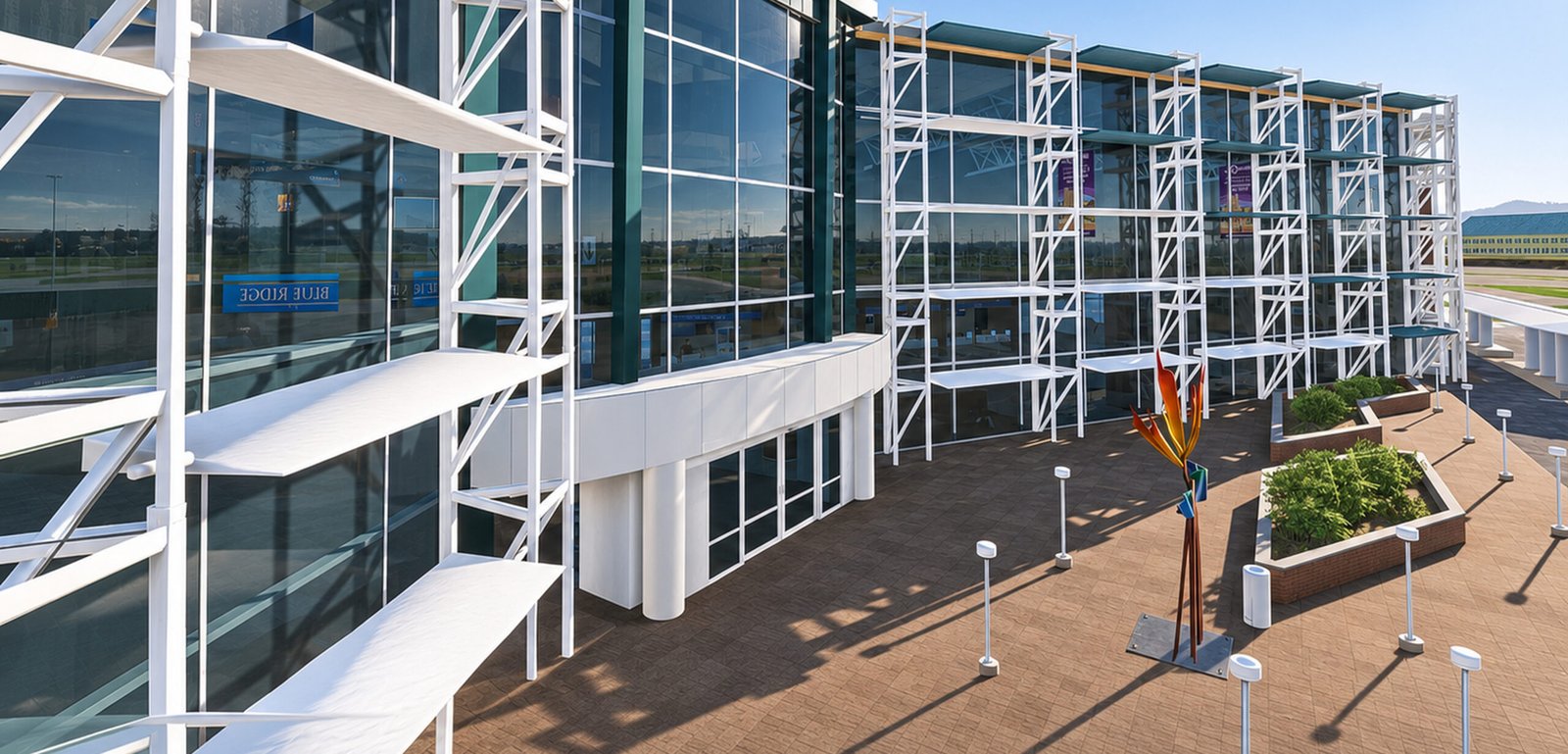
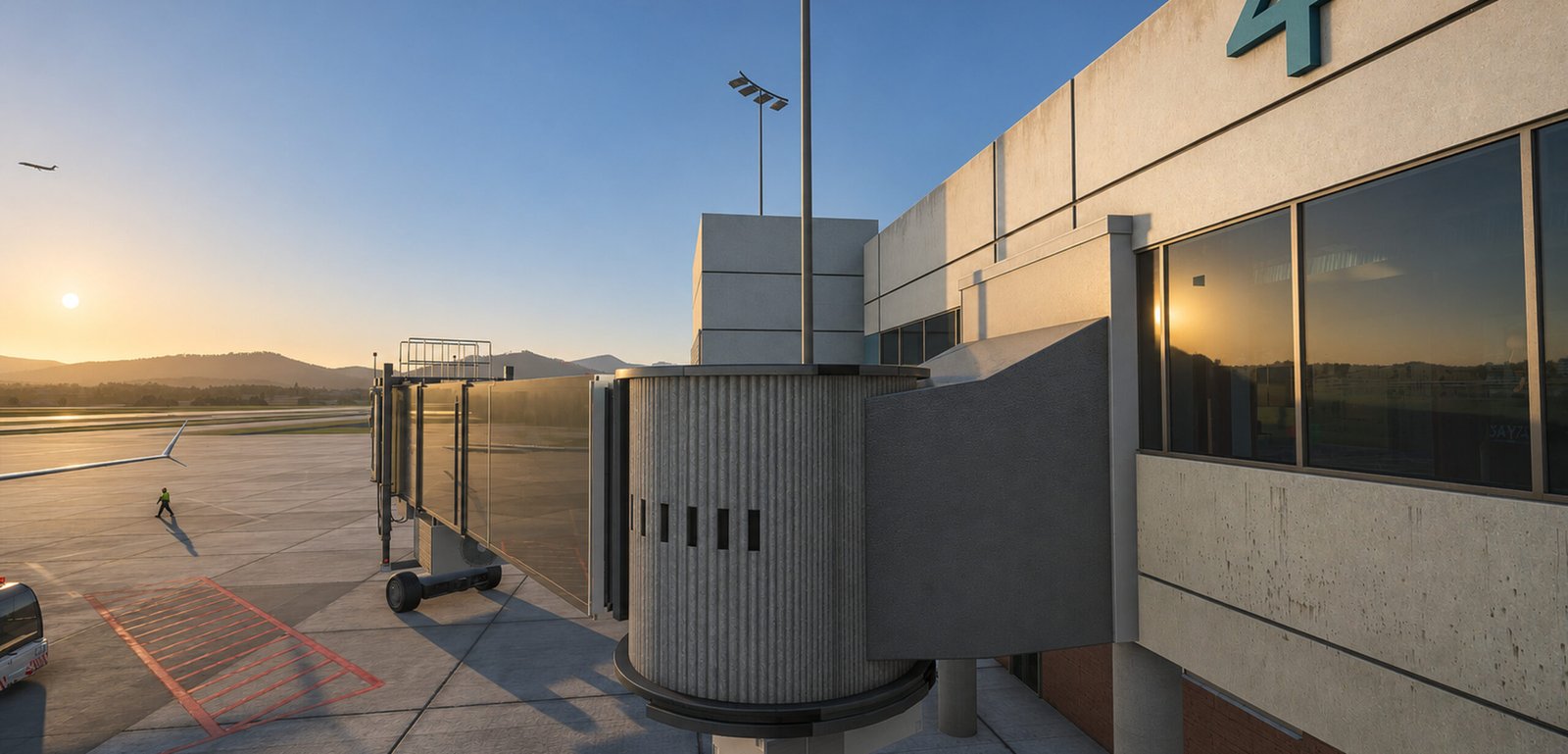
Discover KROA Roanoke–Blacksburg Regional Airport for Microsoft Flight Simulator 2024, beautifully recreated by Skyline Simulations. Experience highly detailed custom terminals, realistic PBR ground textures, detailed interiors, animated features, and immersive airport surroundings. Surrounded by Virginia’s breathtaking Blue Ridge Mountains, KROA delivers an exceptional experience for regional airline and general aviation pilots.
Experience Virginia’s Blue Ridge – The Aviator’s Choice!

product description
KROA Roanoke–Blacksburg Regional Airport – MSFS 2024
Experience Virginia’s Blue Ridge – The Aviator’s Choice!
Roanoke–Blacksburg Regional Airport (KROA), also known as Woodrum Field, is one of Virginia’s most scenic regional airports, surrounded by the breathtaking Blue Ridge Mountains.
Located in Roanoke, Virginia, the airport serves as an important gateway to Southwest Virginia and the New River Valley, connecting passengers to major destinations across the United States.
The airport is served by American Airlines, Delta Air Lines, United Airlines, and Allegiant Air, offering connections to destinations including Atlanta, Charlotte, Chicago, Dallas/Fort Worth, Philadelphia, Washington Dulles, and popular leisure destinations in Florida.
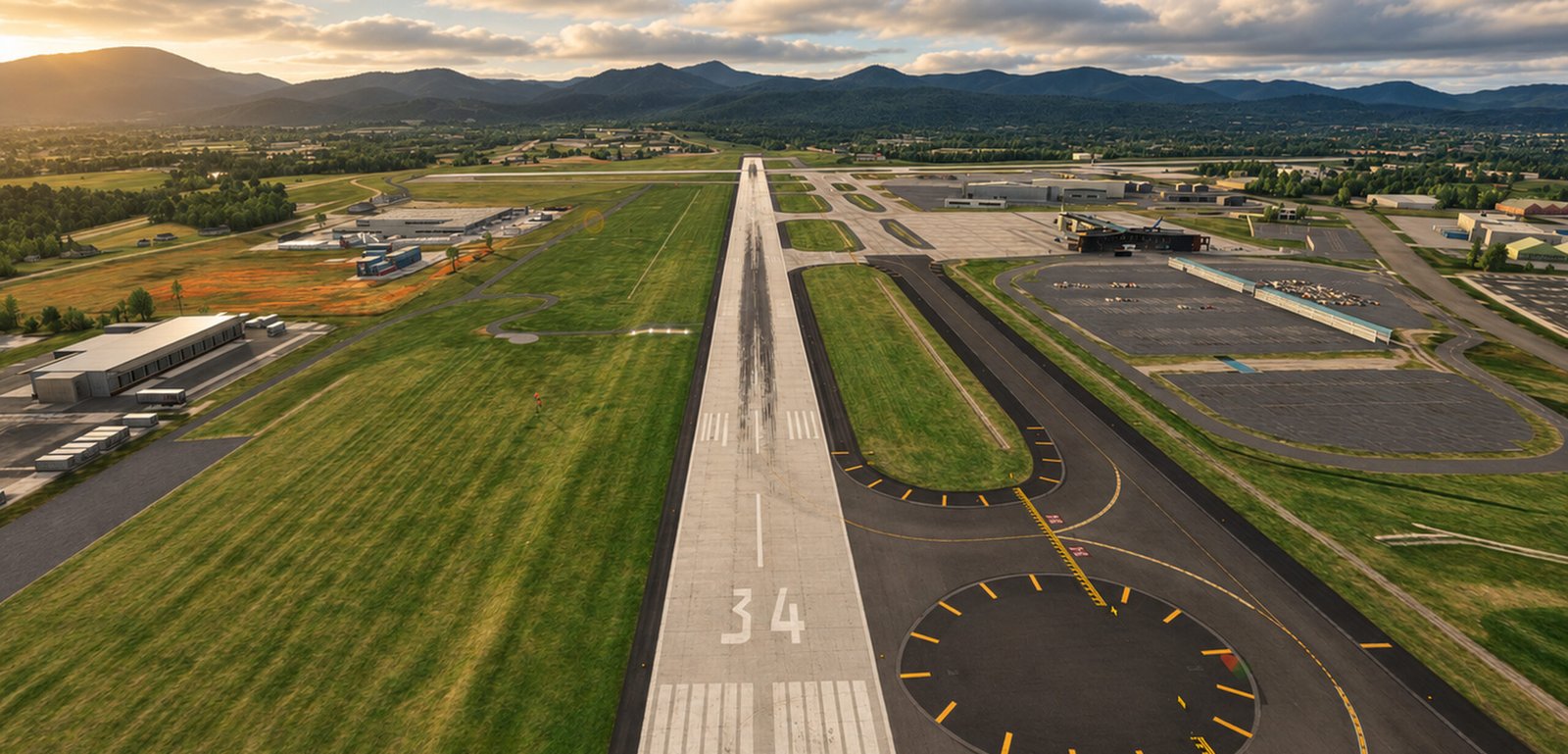
With its mountainous surroundings, challenging approaches, and distinctive airport layout, KROA delivers an exciting flying experience for both commercial aviation and general aviation enthusiasts.
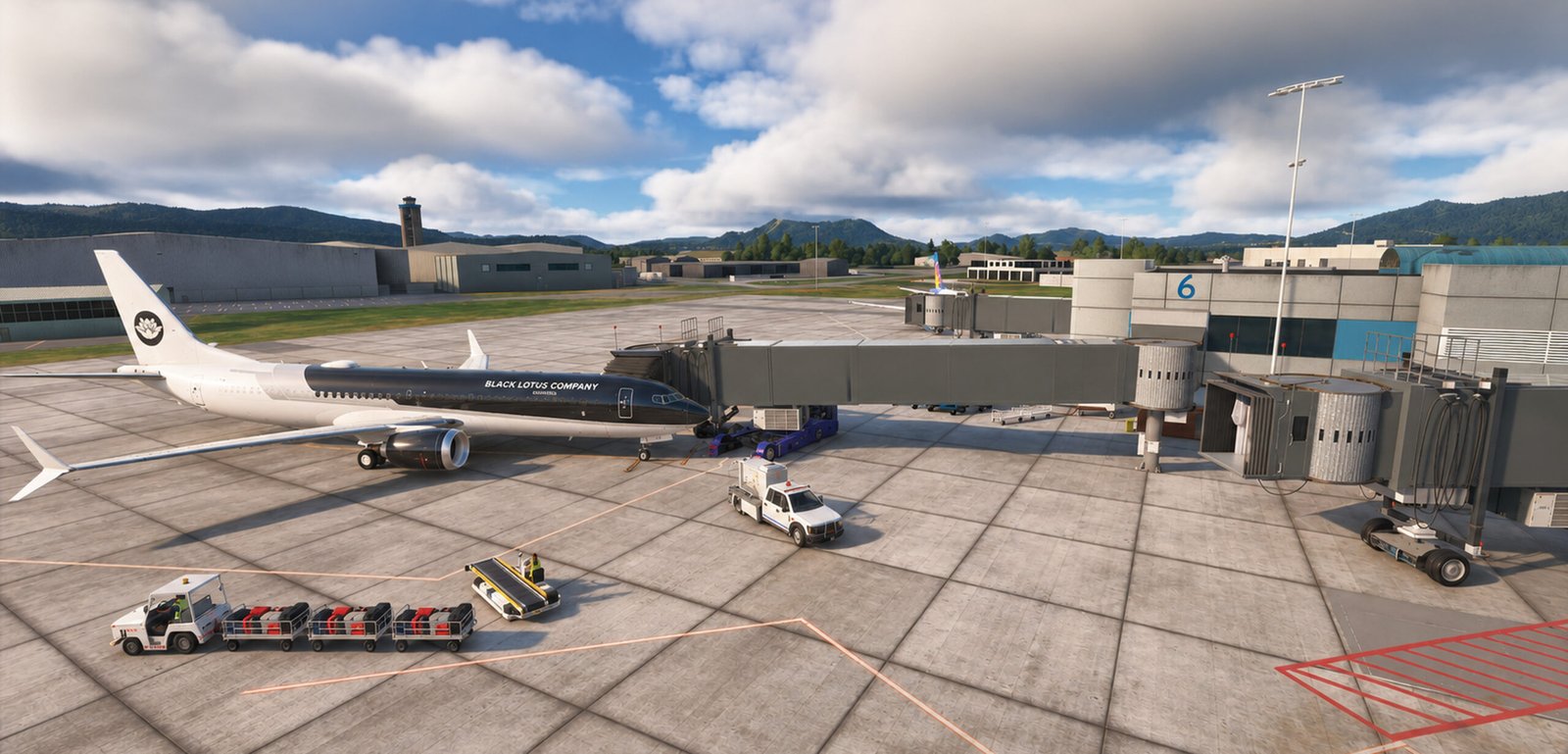
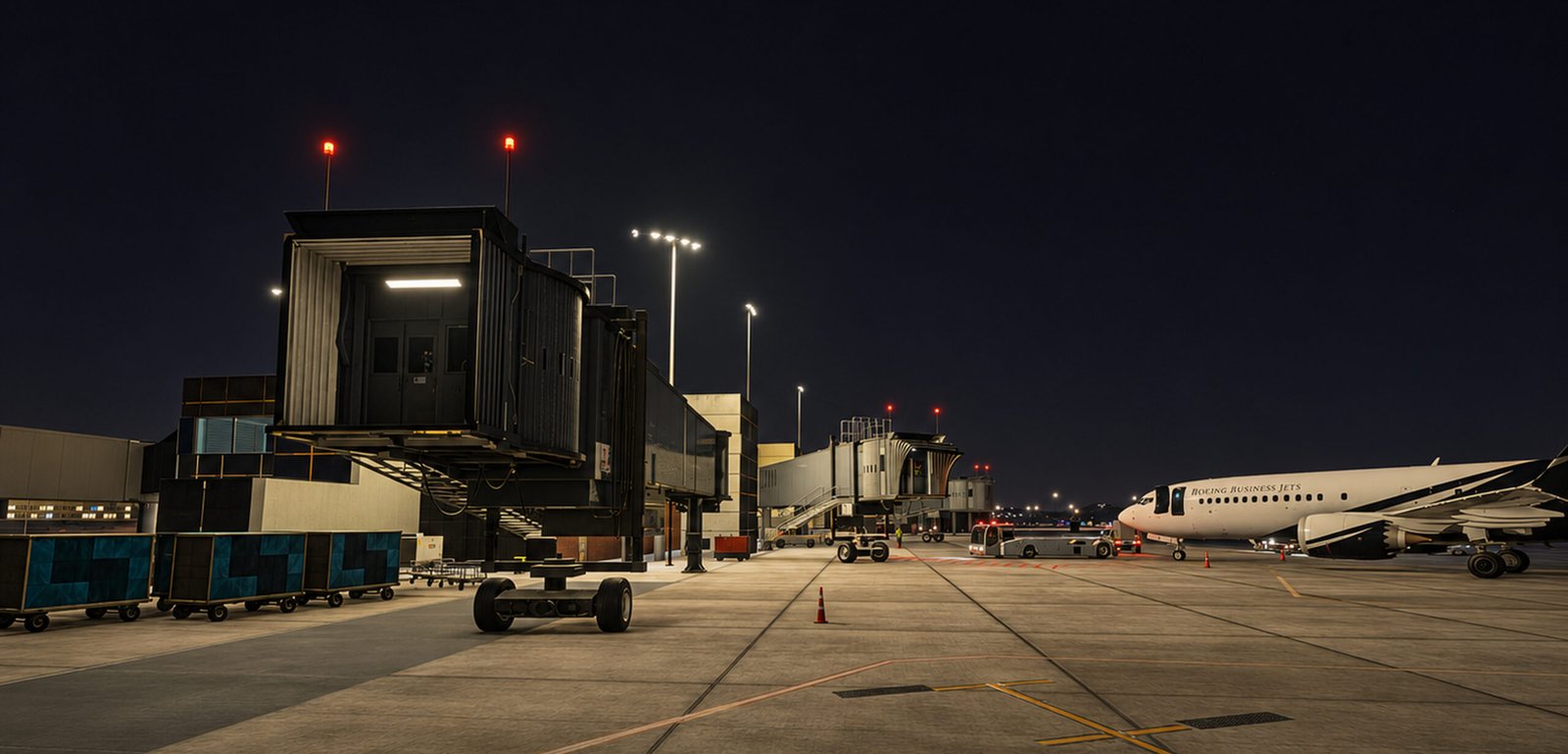
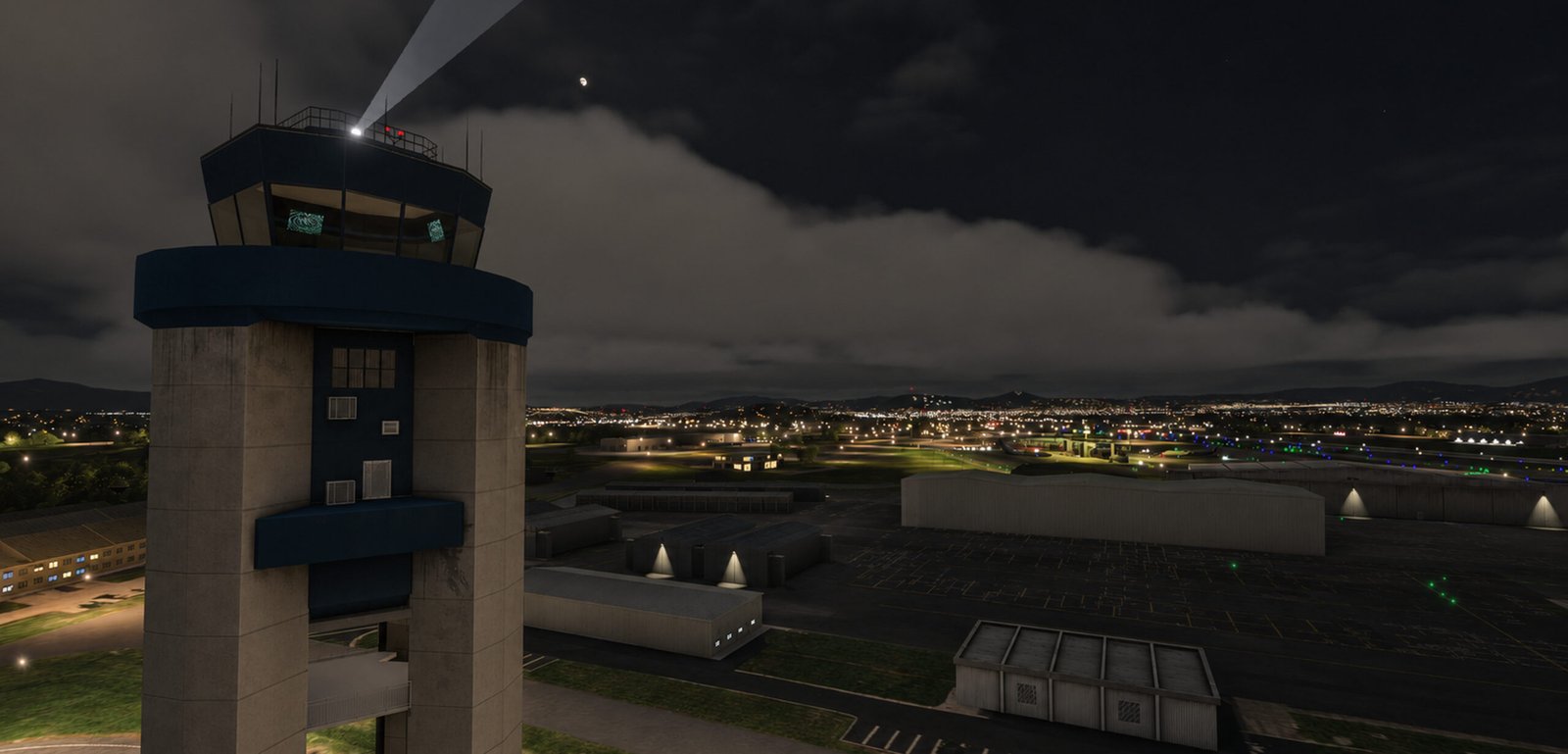
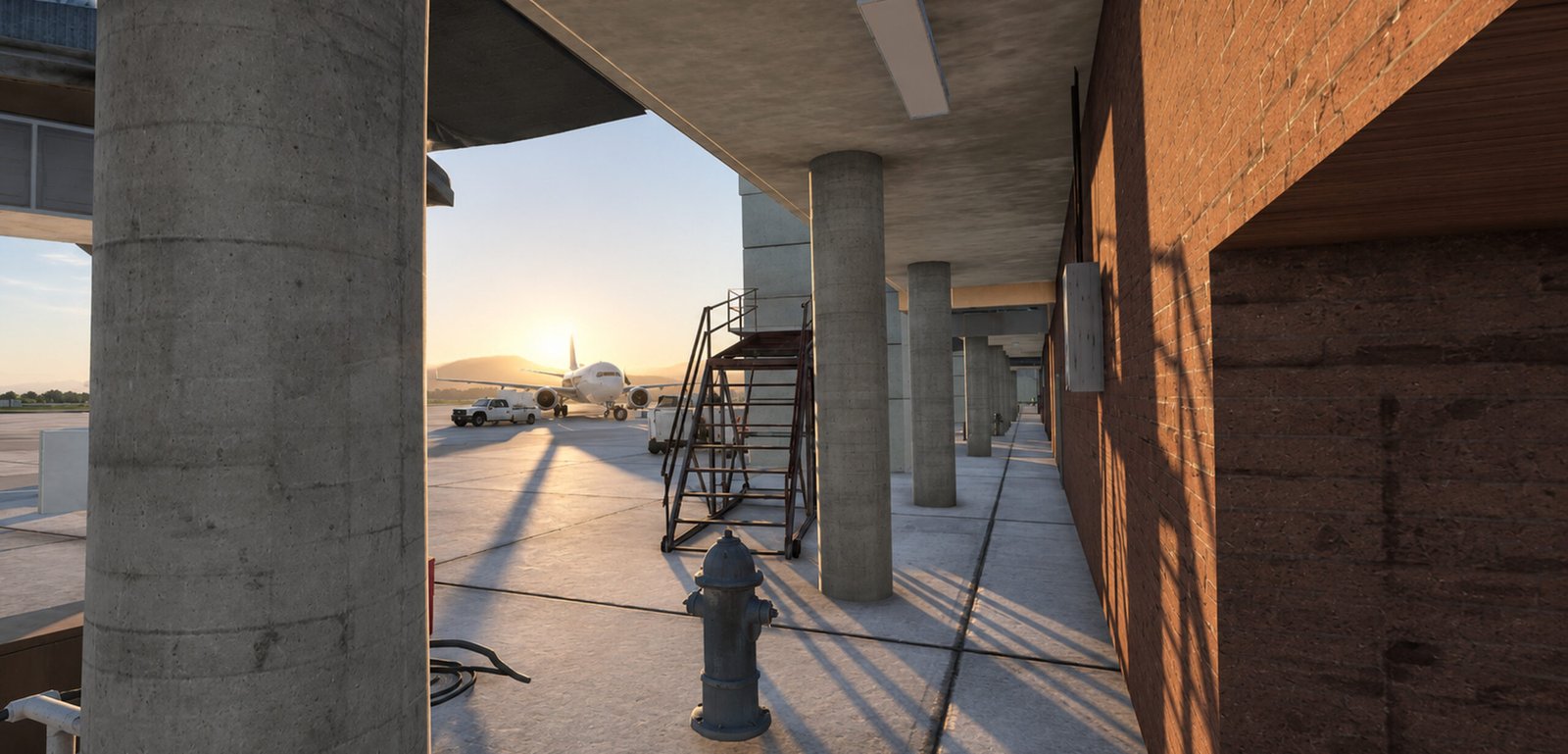
Skyline Simulations brings Roanoke–Blacksburg Regional Airport to life in Microsoft Flight Simulator 2024, featuring highly detailed custom buildings, realistic ground environments, carefully crafted airport infrastructure, and immersive animations.
Experience the beauty of Virginia’s Blue Ridge with an airport designed to deliver realism, atmosphere, and exceptional visual quality.
Airport Information
- ICAO: KROA
- IATA: ROA
- Location: Roanoke, Virginia, USA
- Airport Elevation: 1,175 ft (358 m)
- Runway 06/24: 6,800 × 150 ft – Asphalt
- Runway 16/34: 5,810 × 150 ft – Asphalt
- Airport Type: Public
- Services: Commercial Passenger – General Aviation
- Airport Environment: Mountainous Terrain / Blue Ridge Mountains
Features
- Designed specifically for Microsoft Flight Simulator 2024
- Highly detailed custom airport terminal and surrounding buildings
- Detailed terminal interiors with custom 3D modeling
- High-quality PBR materials and realistic surface textures
- Custom ground textures with detailed markings, weathering, and decals
- Realistic airport apron, parking stands, and taxiway layouts
- Numerous custom 3D airport objects and ground equipment
- Animated automatic terminal doors
- Detailed baggage handling areas and airport infrastructure
- Custom airport signage and terminal details
- Realistic glass, metal, concrete, and other architectural materials
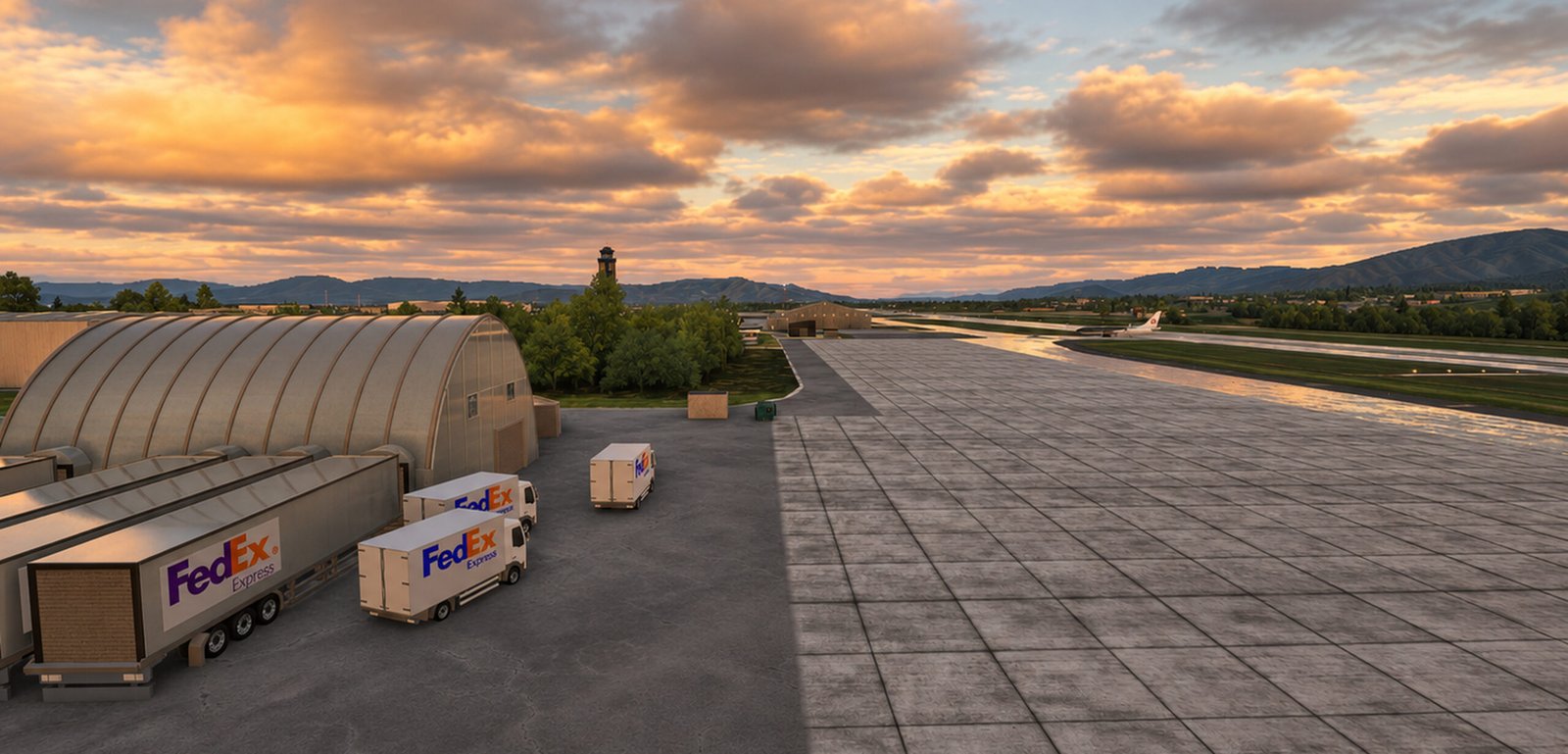
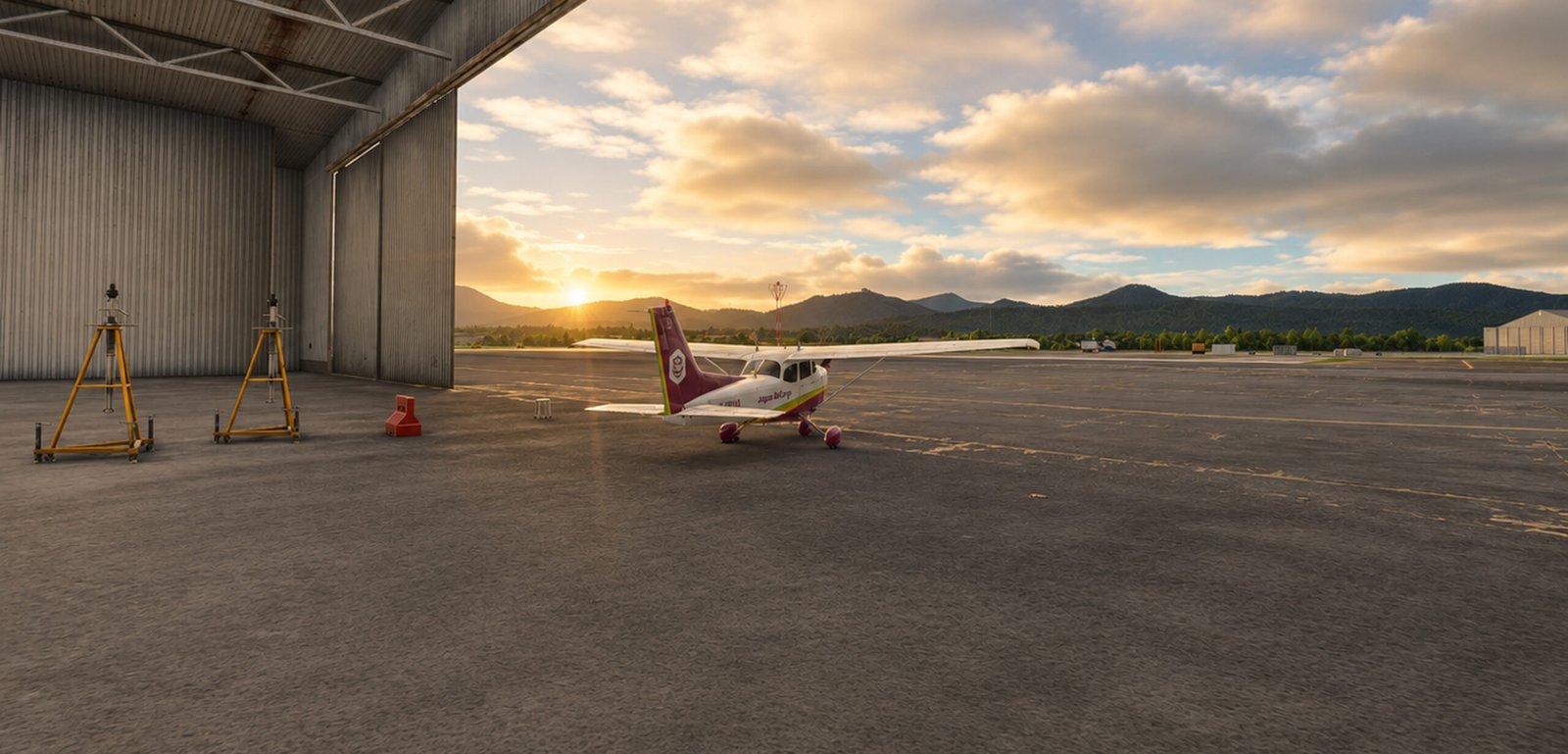
- Detailed airport surroundings and hangar areas
- Ground service infrastructure and vehicle paths
- Carefully optimized 3D models with multiple Levels of Detail (LODs)
- Immersive airport environment designed for regional airline and general aviation operations
Product Requirements
Minimum Requirements
- Microsoft Flight Simulator 2024
- Microsoft Windows 10/11 (64-bit)
- CPU: AMD Ryzen 5 2600X or Intel Core i7-6800K
- RAM: 16 GB
- Graphics Card: NVIDIA GeForce GTX 970 or AMD Radeon RX 5700
- Graphics Settings: Medium
- Available Storage: At least 3 GB
- Product Size: Approximately 1.8 GB
Recommended Requirements
- Microsoft Flight Simulator 2024
- Microsoft Windows 10/11 (64-bit)
- CPU: AMD Ryzen 7 2700X or Intel Core i7-10700K
- RAM: 32 GB
- Graphics Card: NVIDIA GeForce RTX 2080 or AMD Radeon RX 5700 XT
- Graphics Settings: High
- SSD Storage Recommended
- Stable Internet Connection
Performance may vary depending on the aircraft, traffic density, graphics settings, system configuration, and other installed add-ons.
Installation
Installation is straightforward. Simply extract the downloaded package and copy the scenery folder into your Microsoft Flight Simulator 2024 Community folder.
Compatible with Microsoft Flight Simulator 2024 installations through Steam and Microsoft Store on Windows PC.
A detailed installation guide is included with the product.
Discover Roanoke Like Never Before
From the beautifully modeled airport terminal to the detailed apron environments and dramatic mountain scenery, KROA Roanoke–Blacksburg Regional Airport by Skyline Simulations offers a richly detailed destination for flight simulation enthusiasts.
Whether you’re operating regional airline services, flying general aviation aircraft, or exploring the scenic landscapes of Virginia, KROA provides an engaging and immersive airport experience.
Take your next flight into the heart of Virginia’s Blue Ridge.
product reviews
related products
KROA Roanoke–Blacksburg Regional Airport – MSFS 2024
Original price was: € 19.99.€ 14.99Current price is: € 14.99.
KLGB – LONG BEACH DAUGHERTY FIELD XP12 Update
Original price was: € 12.00.€ 9.90Current price is: € 9.90.


CYTZ BISHOP AIRPORT AND CITY PACK XP12 Update
Original price was: € 15.90.€ 10.90Current price is: € 10.90.
MKJS-SANGSTER Montego Bay Jamaica XP12 Update
Original price was: € 13.90.€ 5.00Current price is: € 5.00.


get fast delivery
Get your product immediately after your checkout step in your email
secure payments
Your security is our priority. Our website uses advanced encryption and robust security measures to protect your personal data and ensure safe transactions. Shop with confidence, knowing your information is safeguarded at every step
24/7 Support
We’re here to assist you every step of the way, during installation and beyond. Reach out to us anytime via our Contact Us page, and our experienced technicians will provide expert guidance to ensure a seamless solution
official products
Our products are designed based on official airports, featuring exceptional detail and unparalleled realism!


Reviews
There are no reviews yet.